← All projects

WatchGrapher Mobile

An iOS timegrapher that measures mechanical watch rate and beat error from contact-mic audio.
WatchGrapher Mobile

Problem

Timegraphers — the instruments watchmakers use to measure mechanical watch accuracy — are dedicated hardware that costs hundreds to thousands of pounds. The actual measurements are well-defined signal-processing problems, and every modern phone already has the compute to do them. The friction is software, and the right pickup.

Approach

A SwiftUI app on iOS 17+, capturing audio through AVAudioEngine. A vDSP-backed DSP chain runs a 1500–15000 Hz IIR biquad bandpass to isolate the escapement impulse, rectifies and smooths with an asymmetric EMA (fast attack, slow release) for envelope detection, and uses autocorrelation plus epoch folding (~+20 dB SNR) over sample-based inter-tick intervals to derive beat rate and beat error. Measurement is done with wired EarPods pressed against the watch case as a contact microphone — Bluetooth audio is blocked because its latency destroys the timing.

Stack

SwiftSwiftUIAVAudioEnginevDSPiOS

Synopsis

WatchGrapher Mobile covers the full timegrapher loop on iOS — audio capture, the DSP chain that derives rate and beat error, calibration per watch movement, and a per-watch history. The purpose is to put a timegrapher in a watch enthusiast's pocket for the cost of a pair of wired EarPods, rather than the hundreds to thousands of pounds that dedicated hardware runs.

Gallery

The entry surface
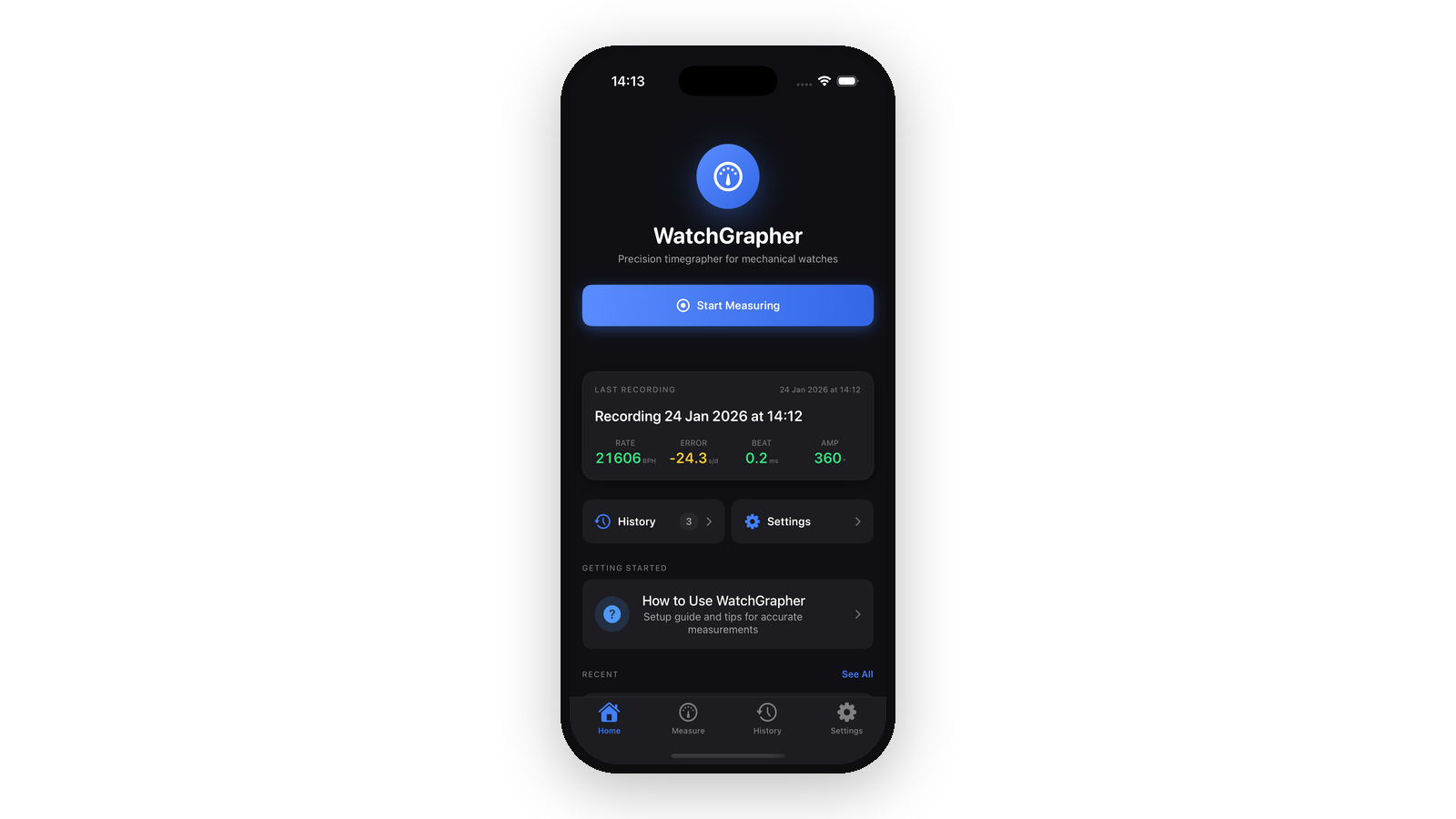
A single Start Measuring action, a summary of the most recent recording, and jumps into history or settings — mechanical watches don't need a dashboard.

Calibration

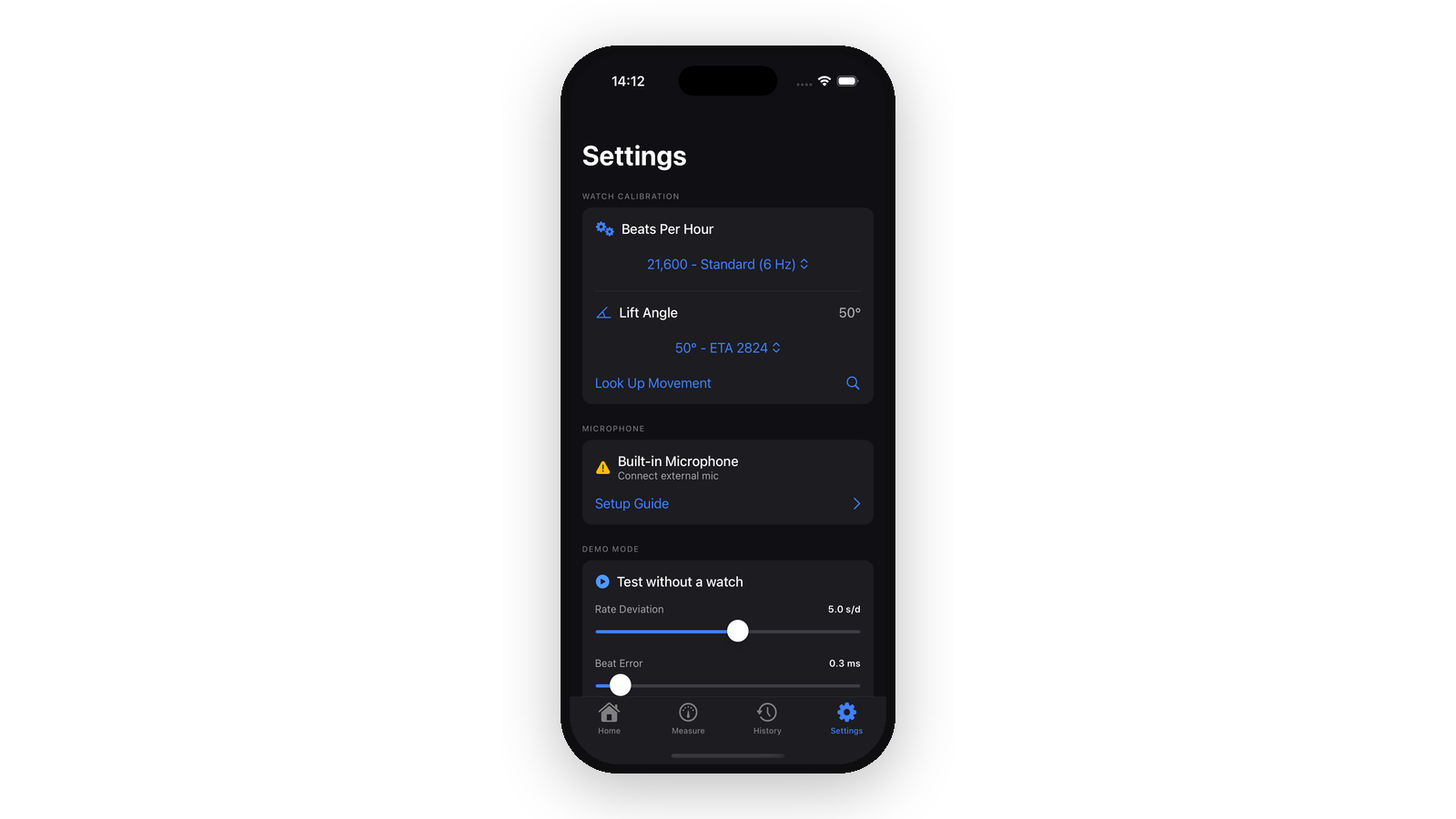
Beats-per-hour and lift angle are the two parameters the DSP needs from the user. The movement lookup fills both in from a database of common calibres.

Live measurement

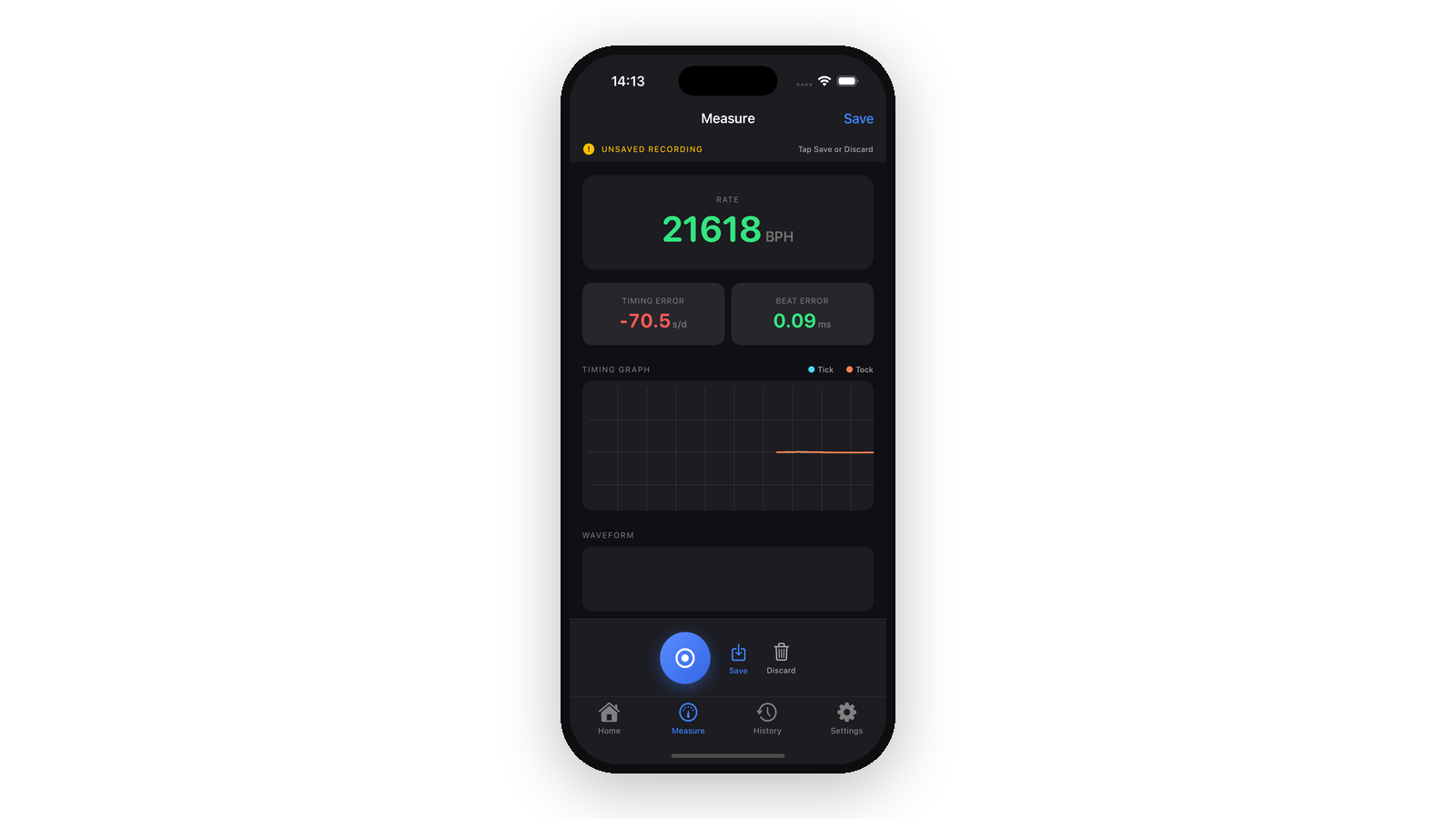
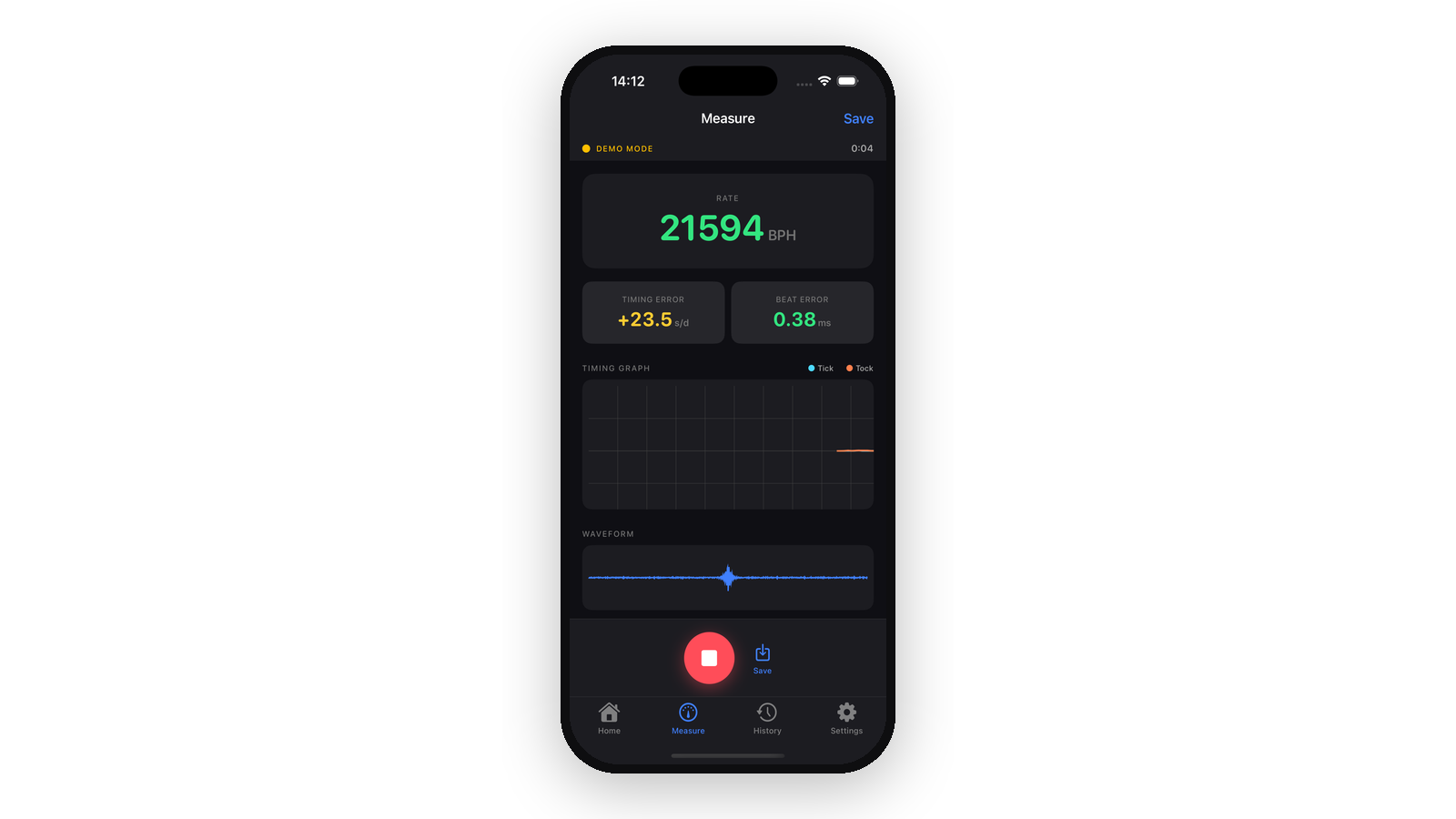
Rate in BPH, timing error against the configured BPH, and beat error as tick/tock asymmetry. Audio is captured through wired EarPods pressed against the case and rendered as a live waveform below the timing graph.

End of a recording

When the user stops a capture, the timing graph freezes and the screen becomes a save-or-discard decision.

Persist the run

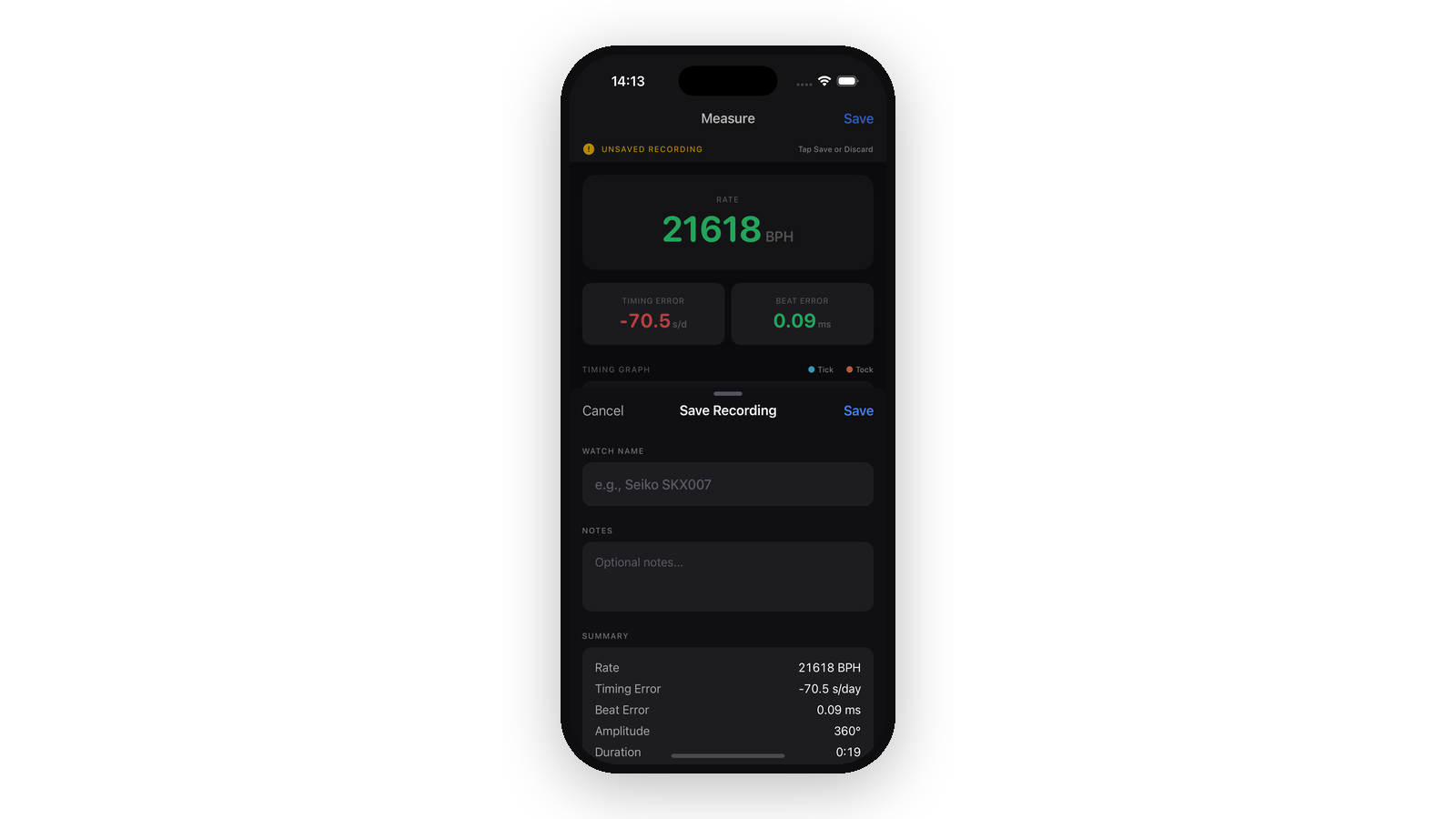
Name the watch, add optional notes, and a summary panel recaps the run — which is how you end up with a history per watch rather than a flat log of sessions.

Per-watch history

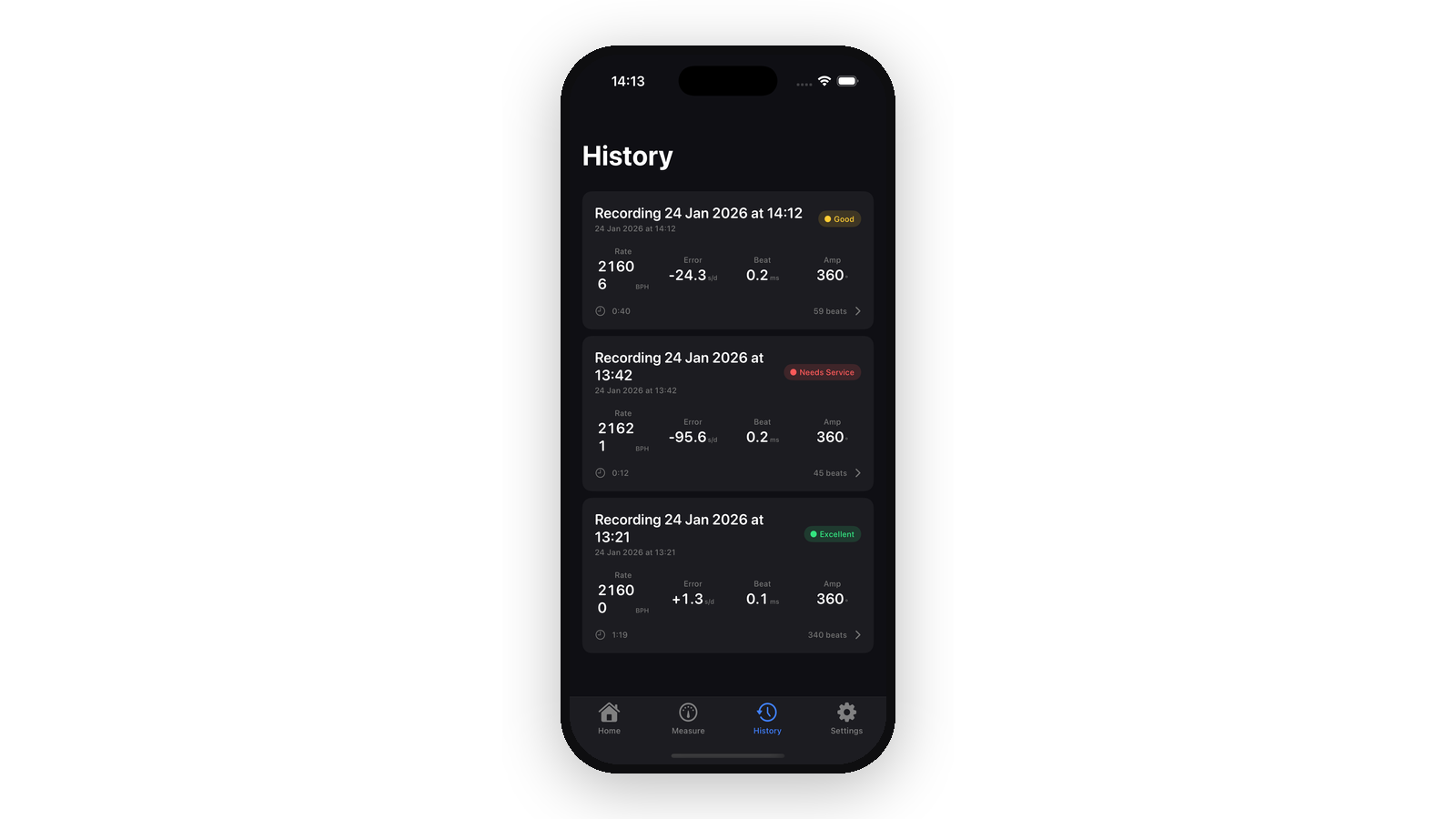
Recordings ranked with an at-a-glance status badge derived from the measurements: Excellent, Good, or Needs Service. Tapping any entry reopens its timing graph and waveform.